School meals

The weekly cost for school meals will be £15.00 (£3.00 per day) and can be ordered and paid for using the online School Hub system.

The advantages of School Hub for children and parents are:

  • you can top up your school meals balance whenever is convenient for you using a secure online payment system
  • there’s no need to bring cash or cheques into school and you can choose, alongside your child if you wish, what they would like to eat each day.
  • you can order and pay for up to three weeks in advance too.


If your child qualifies for Free School meals, you still need to log on and order a meal for them if you want them to have one.

Ordering school meals

You can order school meals for your child by using the following steps: ·

  • Log into www.schoolhub.co.uk
  • Enter username/email and password (case sensitive)
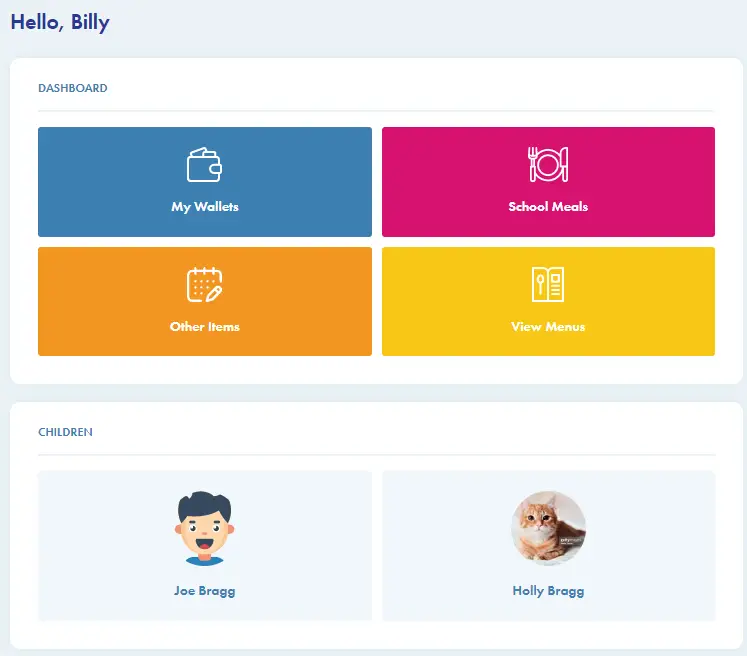
  • Check it is you and your child/children

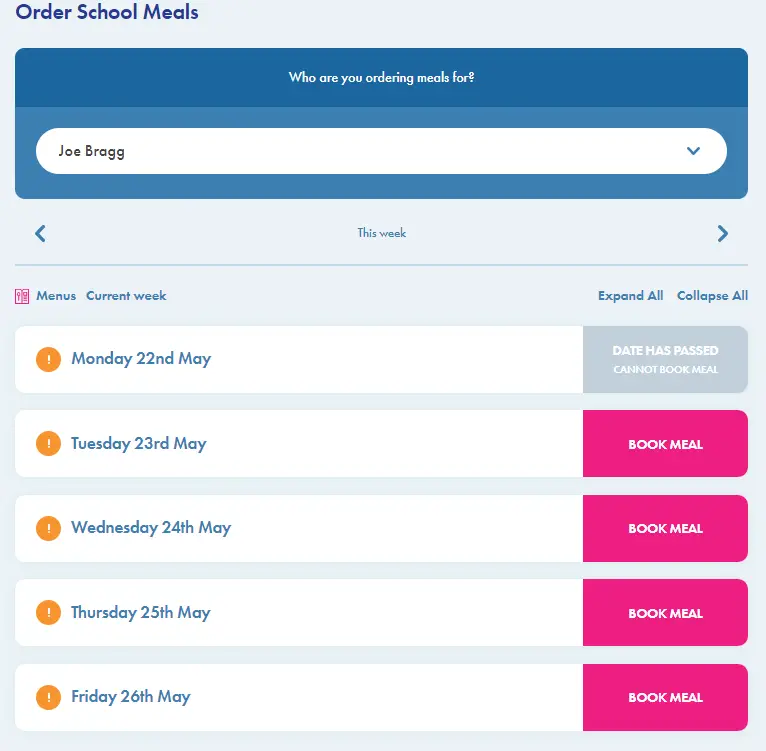
The above screen will appear showing the meals available for that week.  You have until 9.30 each morning to order a meal for that day or you can pre-order 2 weeks in advance.

Adding Funds

  • Click the ‘my wallets’ button (necessary only for children whom you pay for)
  • If you have children in different schools, you will need to select the school before making a payment
  • Click on the A pink rectangular sign with white text Description automatically generated with low confidencebutton
  • Enter the amount you wish to credit your account with
  • Click the box to agree the T&Cs
  • Click ‘make payment’
  • Follow the instructions on screen to make your secure payment
  • When completed, your wallet total will update

Pre-ordering meals

  • Click on ‘School Meals’ button and choose a child as appropriate if you have more than on child.  You will need to order for each child individually
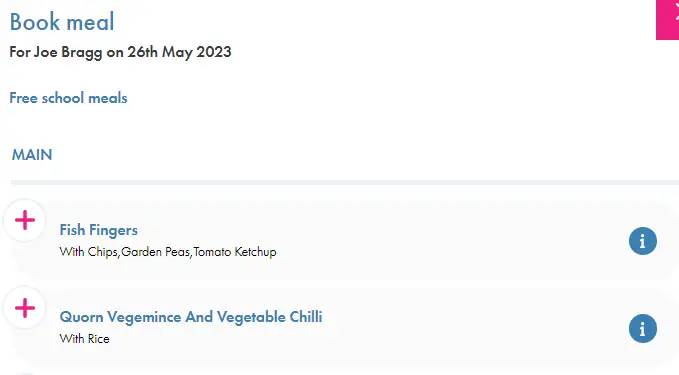
Booking meals

  • Click on the ‘book meal’ button
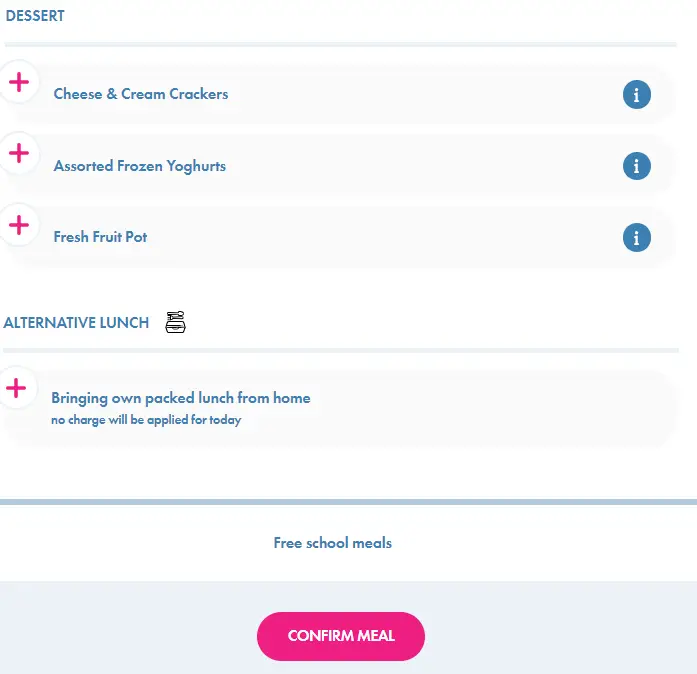
  • Click on the chosen main and dessert option, or indicate if sending a packed lunch from home
  • Click on the ‘confirm meal’ button.  At this point your wallet will be debited if appropriate- you do require a credit balance to order meals for children you pay for
  • Once chosen, the meal choice will be confirmed where you can edit or cancel and refund
  • You may order two weeks in advance and look back at previous weeks by clicking the arrow buttons at the top of the menu page.  If your child has ordered in school you can see what they have ordered here
  • On the menu page, if you click on the this will give you details of the allergens, nutrition and ingredients within the meal

Accounts & Request a Refund

From the Wallets page (see above), click on ‘MORE ACTIONS’.  From here you can view all your transactions or request a refund for any monies on your primary account.

Please go to the Menu page at the top of the page to download a full user guide.

If you are experiencing any problems please first speak with your school or contact: schoolhubsupport@orian.co.uk

My Account 

Click on the account symbol at the top of the page to update your name, email, password etc.

Please note that recurring payments are not yet available.

Welcome to Branthwaite Academy – formerly known as Cumbria Academy for Autism.

Together with pupils, parents, staff, and community representatives, we have chosen a new name that we hope truly reflects our purpose, vision, and mission.

Branthwaite Academy continues to uphold key values such as inclusivity, innovation, honesty, high expectations, purpose, and potential.

The new brand aligns closely with our purpose: to transform the lives of autistic children, young people, and their families, and reflects our commitment to fostering a more inclusive and supportive environment for all students.